Feedback Troubleshooting for the One Person Sound Booth
July 19, 2026
Nothing kills a moment like a mic screeching through the speakers right as the pastor leans in for the line that matters. For two seconds, nobody's hearing the message, they're hearing the tech problem. And then everyone in the booth panics and starts grabbing knobs.
What's actually causing that squeal
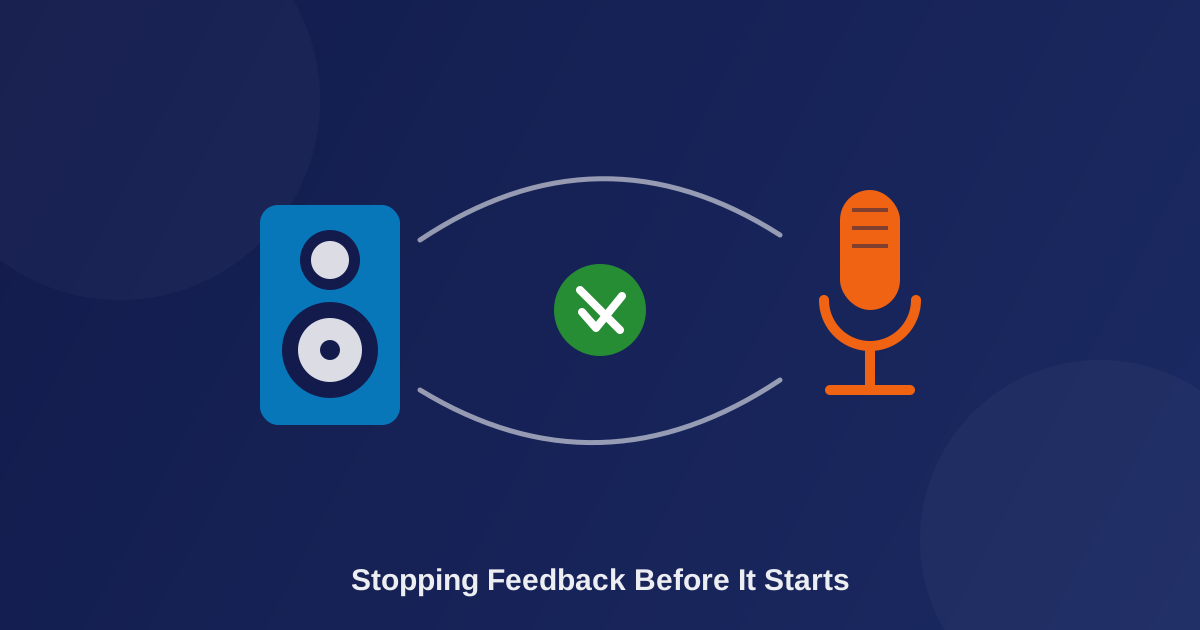
Feedback isn't random. It's a loop: the mic picks up sound coming out of the speaker (or monitor), sends it back through the system, the system sends it back out louder, and that cycle keeps feeding itself until one frequency just takes over and screams. It's like pointing a camera at the TV screen it's plugged into, the picture folds in on itself. Same thing, just with sound.
The fast fix when it's happening right now
Don't chase it with EQ knobs live. Pull the fader down on the channel that's feeding back, just that one, not the whole board, let it stop, then bring it back up slowly while you or the vocalist adjusts mic angle or distance from the monitor. That's it. Fix the moment first. Fix the cause later, after the service, when nobody's watching you do it.
Grab the free Sunday Morning Sound Cheat Sheet and you'll have this exact fader-down move written out and sitting at the booth before you ever need it again: https://smallchurchmedia.com/sound-cheat-sheet/
The root-cause fixes so it's not a weekly thing
- Mic placement. Keep the capsule pointed away from monitors and speakers, not toward them. Feedback loves a straight line between the mic and whatever's playing sound back at it.
- Check gain staging first. If a channel's gain is already too hot, you're closer to the feedback threshold before you've even opened the fader. Worth a look at gain staging if this keeps happening on the same channel, it's usually not a coincidence.
- Notch out the ringing frequency. Before service, slowly bring a channel up until it just starts to ring, notice roughly where that pitch sits, then cut a narrow slice at that spot instead of a broad EQ change. You're not trying to fix the whole mix, just removing the one frequency that wants to scream. I call these the problem child.
- Monitor volume. Sometimes it's not the mic, it's not the room, it's just that the monitor's turned up louder than the space actually needs.
When it's not about the mic at all
Hard walls, tile floors, a monitor aimed straight back at the platform, sometimes the room itself is doing more work than any single piece of gear. That's the same pattern that shows up everywhere in small church sound: the fix is usually understanding what's actually happening, not buying a different mic.
Resources
If you haven't done so already.
Grab your Free Sunday Morning Sound Troubleshooting Cheat Sheet
Get new posts by email
No spam, just a note whenever a new post goes up.
Comments
Be the first to leave a comment.