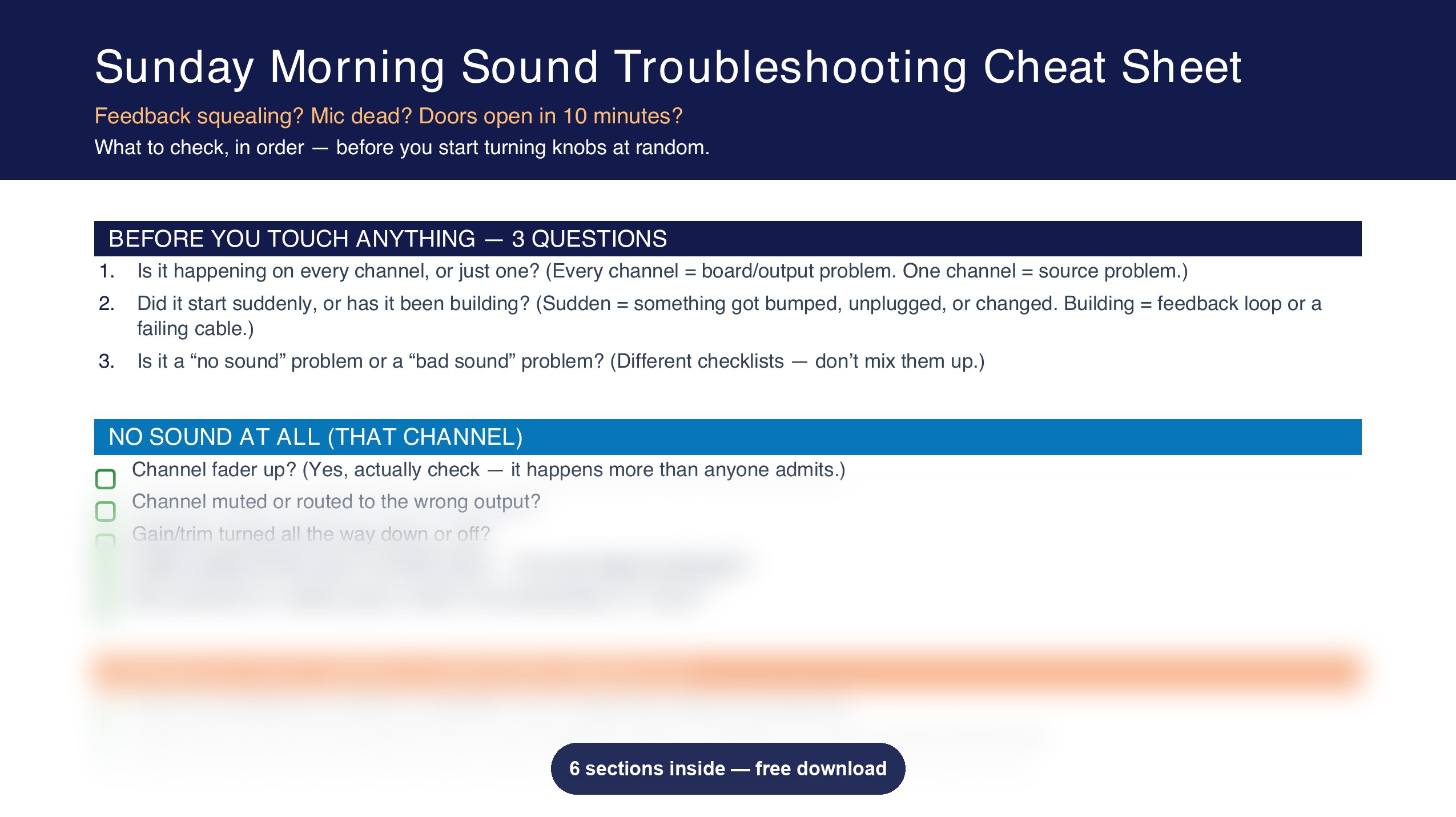
Grab the cheat sheet every small church sound volunteer wishes someone handed them on day one — what to check, in order, before you start turning knobs at random.
The 3 questions to ask before you touch anything
No sound at all — the actual checklist, not "check your cables" and a shrug
Feedback — why it's almost never a volume problem
Hum or buzz — how to tell if it's one cable or the whole system
Distortion and blown-out sound — the fix that's usually upstream of where you're looking
Wireless mic issues — battery, line of sight, frequency conflicts
You already know the feeling. Something's wrong with the sound, people are starting to file in, and every second you spend guessing is a second closer to doing it live, in front of everyone.
This isn't a course. It's not a gear list. It's the actual troubleshooting order — no sound, feedback, hum, distortion, wireless issues — broken down so you can scan it standing at the booth and actually find the fix, instead of turning random knobs and hoping.
I've been doing church sound for 23 years, starting back when I was 12 logging timecodes for my dad's TV program. I've rebuilt full systems from the ground up and I've also just been the person standing at a board on a random Sunday with ten minutes and a problem. This sheet is built for that second version of the job — because that's most Sundays, for most of us.
This is the fast version. If you want to actually understand why these fixes work instead of just running a checklist forever — that's what I'm building next. Grab the sheet, and I'll keep you posted.
Get the Cheat Sheet