Wireless Mic Cutting Out? Here's Why (and the Fast Fix)

By Nikki
August 15, 2026 · 3 min read · Updated September 30, 2026
The pastor is two sentences into the point that's been building all message, and the mic cuts. Not a full drop, just enough static and silence that half the room loses the thread. Somebody in the booth scrambles for a spare. It's not bad luck. It's not a bad mic either, most of the time. It's almost always one of a handful of predictable causes, and once you know what to check, dropouts stop feeling random.
It's rarely the mic itself
Wireless mics get blamed first because they're the thing that visibly failed. But the actual dropout usually happens somewhere between the transmitter and the receiver, not inside either one. That distinction matters, because it changes what you troubleshoot first. Before you assume you need a new mic, walk the signal path: transmitter, the air between, antenna, receiver, cable to the board.
The real causes, in order of how often they actually happen
- Frequency interference. Your building has more wireless traffic in it than you'd guess: WiFi routers, other churches' systems if you're close enough, cell signal boosters, even some LED lighting fixtures that dim by chopping current in a way that throws off RF. If your mic was scanned and set once years ago and never rescanned, that's often the whole problem right there.
- Dead spots from building materials. Cinderblock, steel studs, and metal HVAC ductwork all eat RF signal. A pastor who wanders from the platform to the aisle might be walking straight through a dead zone your sanctuary has always had, you just never mapped it.
- Weak or old batteries. Not dead, weak. A battery that reads "fine" on a meter can still cause the transmitter to underpower right as the service starts drawing more current from lighting or other gear. Fresh batteries every single service isn't overkill, it's the cheapest insurance you have.
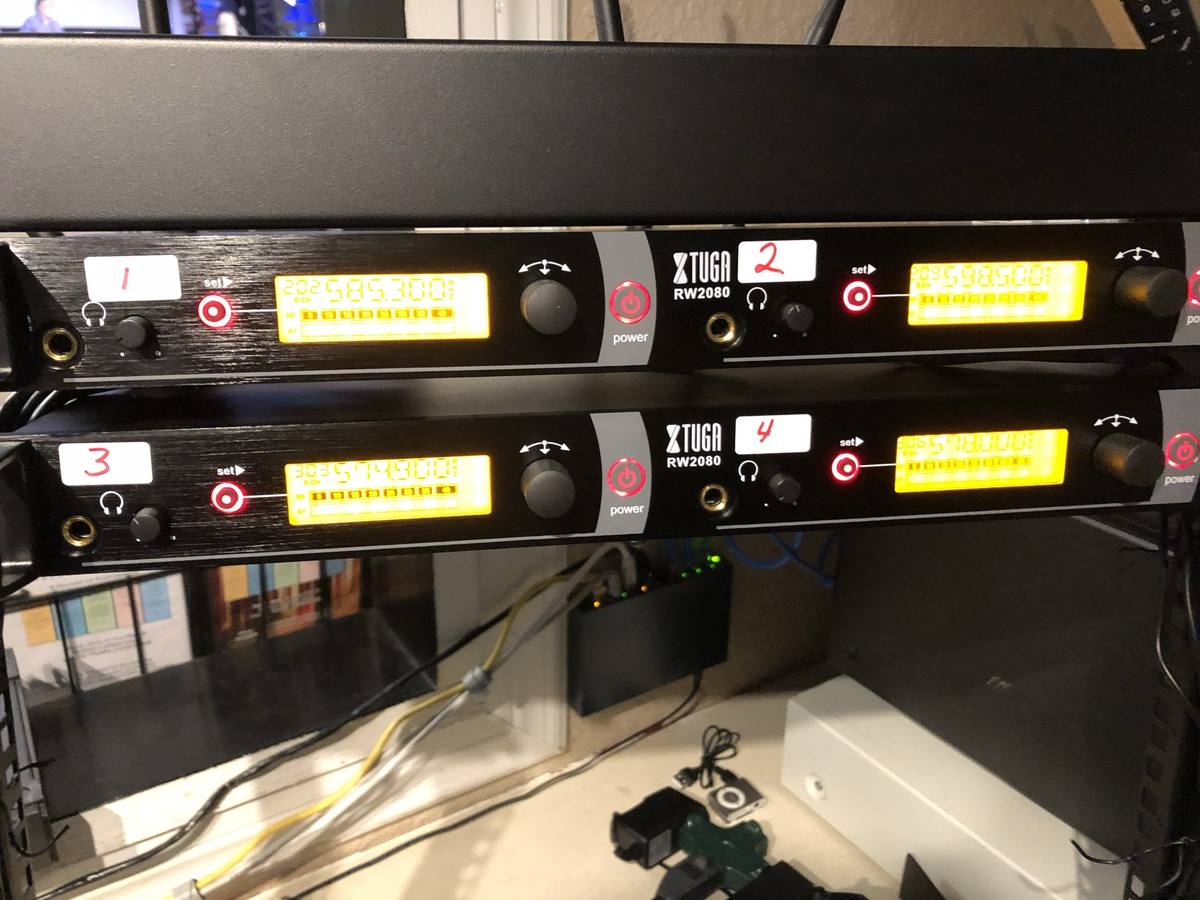
- Antenna placement. Receiver antennas tucked inside a rack, behind metal gear, or run through ten feet of coiled cable lose range fast. Line of sight to wherever the mic actually goes during the service matters more than most people think.
- Too many systems sharing the spectrum. If you're running more than a couple wireless mics plus in-ear monitors plus anything else RF, they can step on each other even when each one works fine solo.
The wireless section of the Sunday Morning Sound Cheat Sheet has this same battery-and-interference check written out in one line for next time.
What to check this Sunday
Start with the free fixes before you spend anything. Rescan your frequencies, especially if it's been more than a year. Swap in genuinely fresh batteries, not the ones that have been sitting in the drawer since last spring. Move your receiver antennas so they've got a clear line to where the mic actually travels, not buried in a rack behind a router. And if your dropout always happens in the same physical spot, that's not random, that's a dead zone. Once you find it, you can usually route around it just by knowing it's there.
When it's actually a gear problem
Sometimes it really is the hardware. Older analog wireless systems are more prone to interference than newer digital ones, and if your church has had the same wireless rig for a long time, the spectrum around it has gotten more crowded than when you bought it. That's a real reason to consider an upgrade, but it's worth ruling out the free fixes first. Most dropouts get solved with a rescan and fresh batteries, not a new rig.
Getting your wireless system dialed in is one piece of a bigger pre-service routine, and it connects straight back to the basics in signal flow, since a dropout is really just a broken link somewhere in that same chain. For the rest of the sound cluster in one place, see the small church sound guide.
Follow along for more small-church sound fixes, and drop a question if a specific dropout pattern in your building has you stumped.
Stay in the loop
Pick what you want to hear about. I'll only email when there's something useful to share, and you can unsubscribe any time.
Your email stays private. Read the Privacy Policy.
Comments
Be the first to leave a comment.